
“`html
Automating Your Follow-Up Process with Google Sheets and APIs
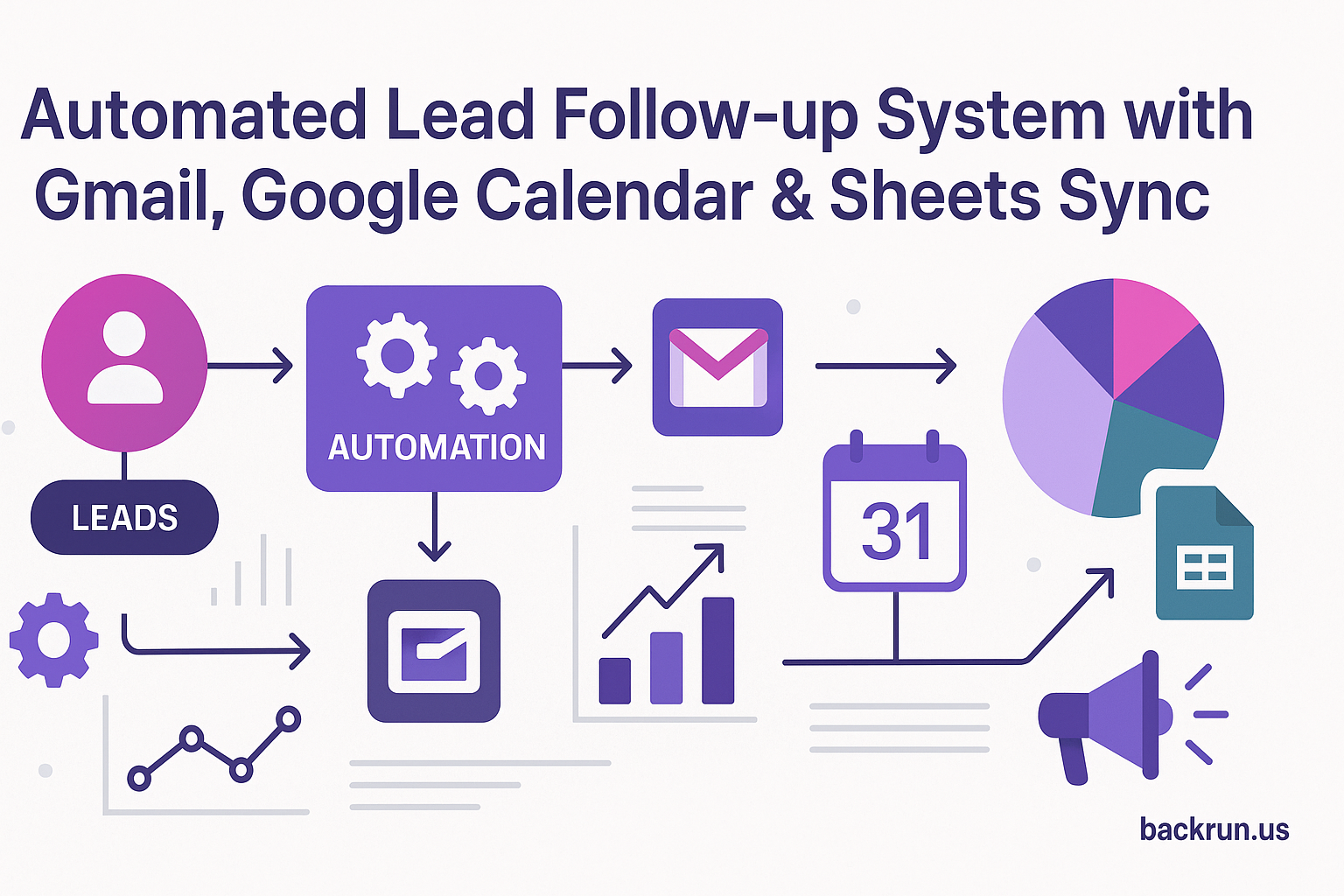
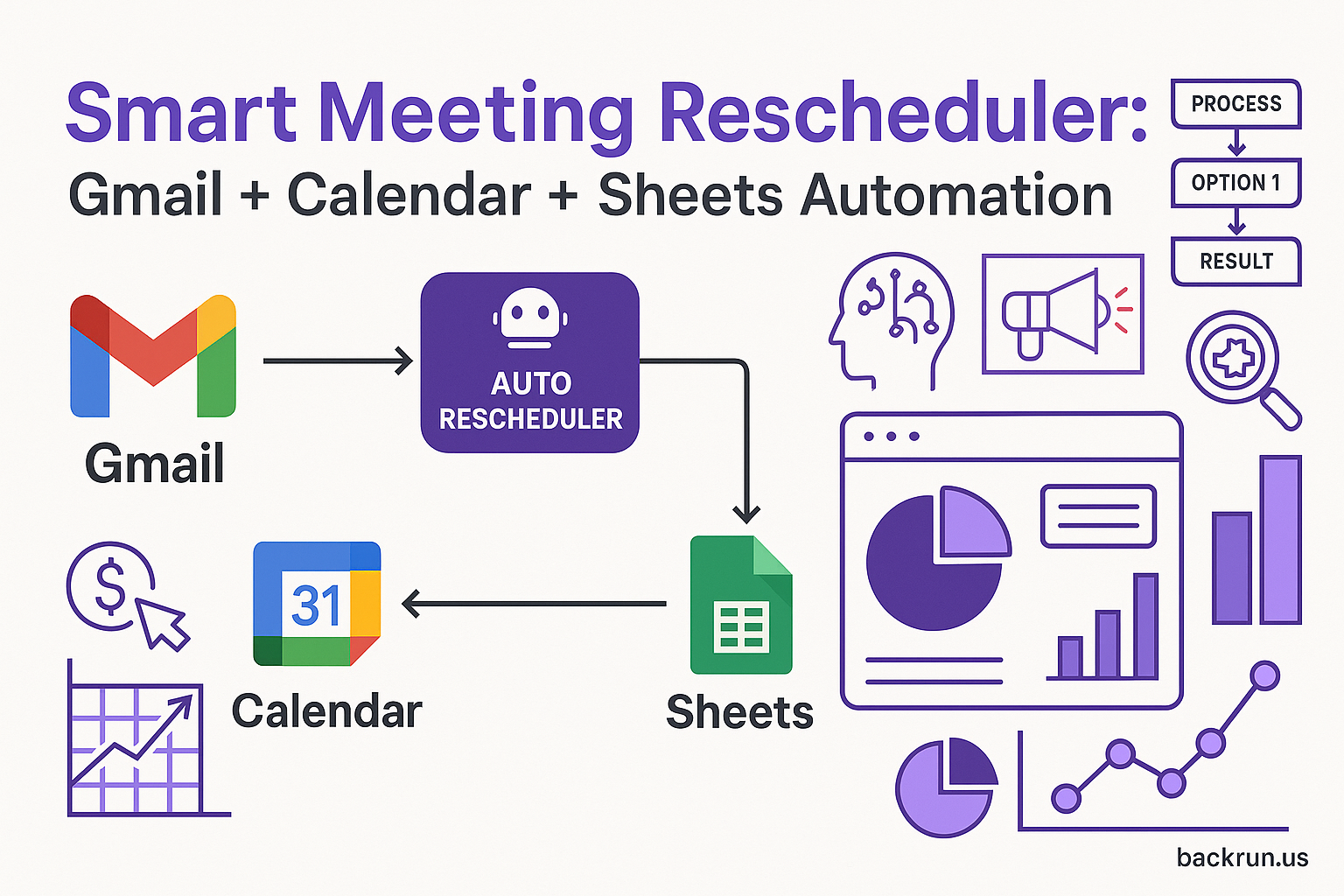
In today’s fast-paced business environment, automating follow-ups can save valuable time and enhance communication efficiency. At Backrun, we help businesses streamline their operations using automation tools. Our approach combines Google Sheets, Gmail API, Google Calendar API, and more to create a seamless follow-up system for leads. This blog post explores how you can integrate these tools effectively.
Google Sheets for Lead Management
Begin by organizing your leads in Google Sheets. Store essential lead details such as:
- Name
- Status
- Meeting Date
This centralized data not only enhances visibility but also simplifies tracking lead statuses and follow-up actions.
Using Gmail API for Follow-Up Emails
Integrate your Gmail API credentials to automate sending follow-ups. This enables you to:
- Trigger apology emails for no-shows
- Include rescheduling booking links
By leveraging the Gmail API, you can ensure timely communication with your leads, enhancing the chances of future appointments.
Scheduling with Google Calendar API
Create placeholder events in Google Calendar for potential rebookings through the Google Calendar API. This ensures you reserve time slots while waiting for responses from no-shows. To set this up:

- Hold potential dates open
- Sync back to Google Sheets
No-Show Detection & Response Strategy
Connect your CRM or calendar to detect no-show status updates. Upon detection:
- Trigger a Gmail sequence to send an apology and reschedule email
- Create a Google Calendar placeholder event for the potential reschedules
- Add a 24-hour delay node in your workflow to wait for responses
- If no reply, send a second, shorter follow-up email
With a robust follow-up strategy, you can significantly reduce the chances of losing leads.
Final Booking Status Updates
Update your Google Sheets with final booking statuses, whether they are:
- Rescheduled
- No Response
For unresponsive leads, consider adding them to a GoHighLevel nurture sequence. This keeps them engaged over time and increases the likelihood of conversion.
Alerts and Notifications
Add alerts to your workflow using Slack or Telegram for your reps when a no-show is detected. Timely notifications can help your team follow up efficiently.
Personalizing Communication
Modify your follow-up email templates with AI-generated personalized messages. This approach enhances engagement and shows leads that you value their time and interest.
Adjusting Response Times
Feel free to adjust response wait times based on your business needs, such as switching from a 24-hour to a 12-hour delay. This flexibility can aid in tailoring your strategy to better suit your audience.
Synchronizing with Your CRM
Integrate updates with your chosen CRM platforms like HubSpot, Salesforce, or Zoho. This ensures your lead statuses are always up-to-date across all systems.
Embrace automation in your follow-up processes with tools like Backrun Automations and start focusing more on growth rather than manual tasks.
For more information on how Backrun can transform your operations, visit Backrun or contact us at hello@backrun.us.
“`