

Automate Scheduling with a Live Demo Booking Form
Backrun helps businesses automate their backend — from lead generation to support, integrations, and operations — so you can focus on growth, not grunt work.
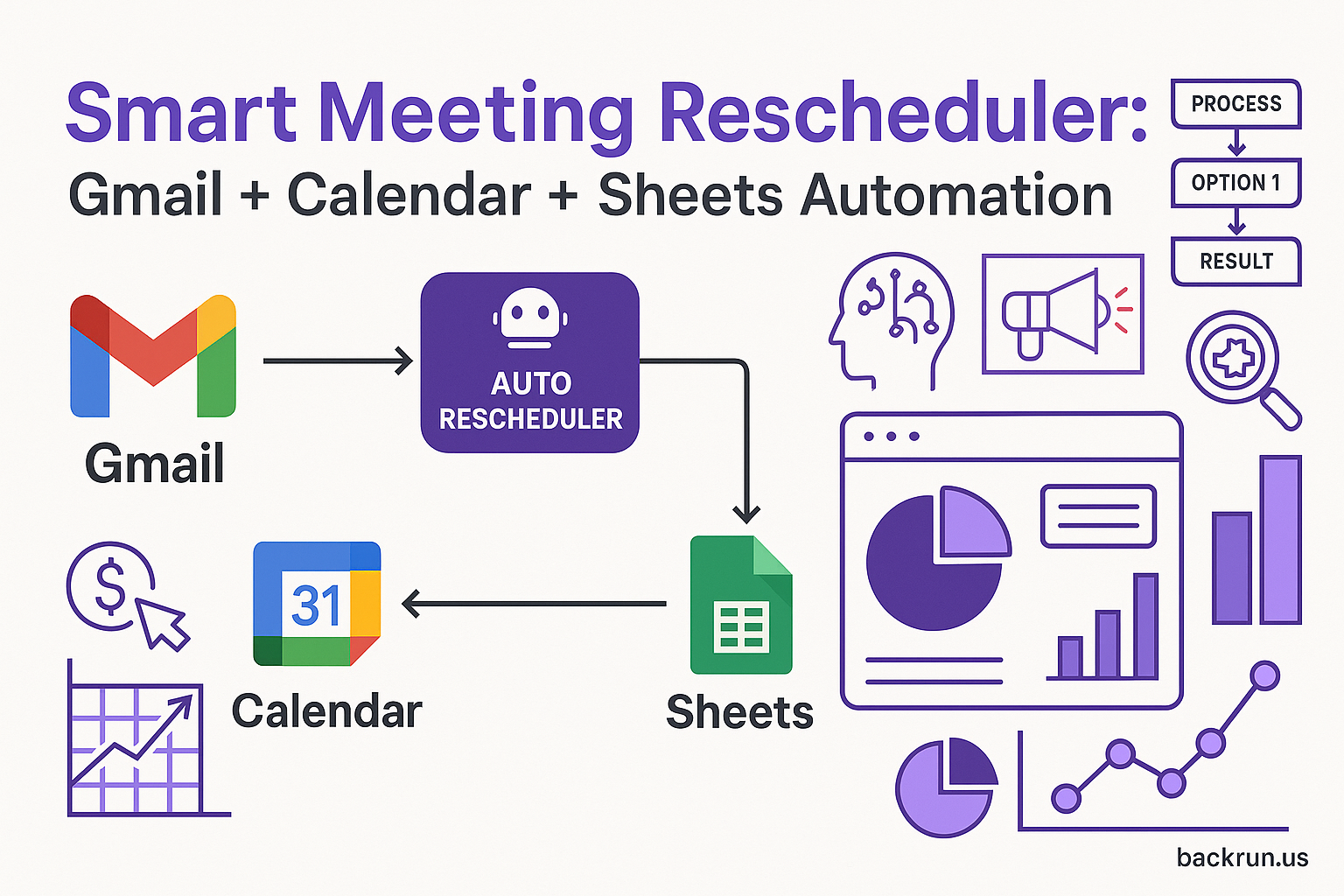
Are you tired of manually scheduling demos? Streamline your sales process and save valuable time with a fully automated demo booking system. This post details how to create a live demo booking form connected to your Outlook calendar and Zoom, eliminating back-and-forth emails and scheduling conflicts. With this automation, you can free up your team to focus on closing deals and driving revenue. For more advanced automation possibilities, explore how Backrun can integrate with powerful tools like Microsoft 365 Copilot – learn more about Microsoft 365 Copilot.
This detailed guide walks you through every step, from setting up the necessary prerequisites to testing your automated booking form. It’s a game-changer for businesses looking to optimize their sales workflow and improve customer experience.
What You’ll Learn
- How to build a dynamic demo booking form.
- How to integrate with Outlook Calendar for real-time availability.
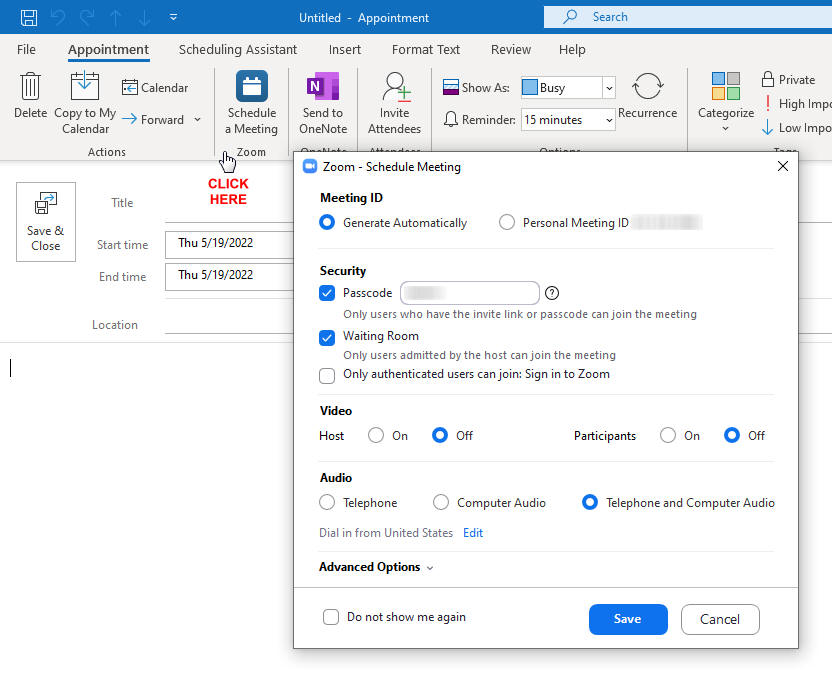
- How to automatically create Zoom meetings for confirmed demos.
- How to send automated confirmation emails to your clients.
Requirements
- n8n self-hosted or cloud account.
n8n is a powerful open-source automation platform – explore our automation services for custom solutions.
- Microsoft Outlook account with calendar access.
- Zoom account with OAuth2 credentials.
- Pre-created calendar slots named “Online Meeting Slot” in your Outlook calendar.
Workflow Setup
- Import JSON: Import the provided workflow JSON into your n8n instance.
- Configure Credentials: Configure the following OAuth2 credentials within n8n:
- Microsoft Outlook API (for calendar access).
- Zoom API (for automatic meeting creation).
- Pre-create Calendar Slots: Pre-create events in your Outlook calendar with the exact title “Online Meeting Slot.” These represent your available time slots.
- Publish the Form: Publish the form via n8n’s webhook URL. You can embed this form in your website or share the link directly.
- Test the Workflow: Test the form by submitting a request. Ensure the time slots update correctly in your Outlook calendar and that Zoom links are generated.
How the Demo Booking Form Works
The automated demo booking form orchestrates a seamless scheduling process. Here’s a breakdown of the workflow:
- 1. Client Request: The client fills out a demo request form. This form collects essential information like their company name, contact details, and preferred dates/times.
- 2. Availability Check: The workflow checks your pre-defined “Online Meeting Slot” availability in your Microsoft Outlook calendar via the Outlook API.
- 3. Time Slot Selection: If available slots exist, the client is presented with up to three options to choose from.
- 4. Zoom Meeting Creation: Once a date and time are confirmed by the client, the workflow automatically creates a Zoom meeting using the Zoom API. This includes generating a unique meeting link.
- 5. Outlook Calendar Update: The chosen time slot is updated in your Outlook calendar with the client’s booking information.
- 6. Confirmation: The client receives a styled confirmation screen—a pleasant touch that reinforces professionalism and builds trust.
Customization Options
Tailor the booking form to perfectly match your business needs:
- Form Fields: Adjust the client details form to capture additional data, such as industry, company size, or specific interests.
Consider integrating with tools like managed Microsoft 365 admin support to manage and analyze this data effectively.
- Email/Notification: Add an Email or Slack node to notify your sales team of new demo requests.
- Custom Branding: Update the CSS in the form nodes to match your company’s branding, creating a cohesive user experience.
- Capacity Rules: Modify the IF nodes to limit the number of bookings per day, preventing overbooking and ensuring sufficient time for each demo.
This automated demo booking form is a powerful tool to increase efficiency, improve customer satisfaction, and ultimately, drive more sales.
Want to learn how Backrun can help you further streamline your operations? Visit our website or contact us at hello@backrun.us.
Explore the possibilities of automation with Backrun – see how AI-powered automations can transform your business.