
“`html
Streamline Your IAM Policies with AI-Driven Automation
In today’s fast-paced cloud environment, Cloud Engineers and DevOps teams are under constant pressure to swiftly generate and implement custom IAM (Identity and Access Management) policies. Our innovative solution combines artificial intelligence with seamless integrations to optimize how you manage IAM policies.
Automated IAM Policy Creation
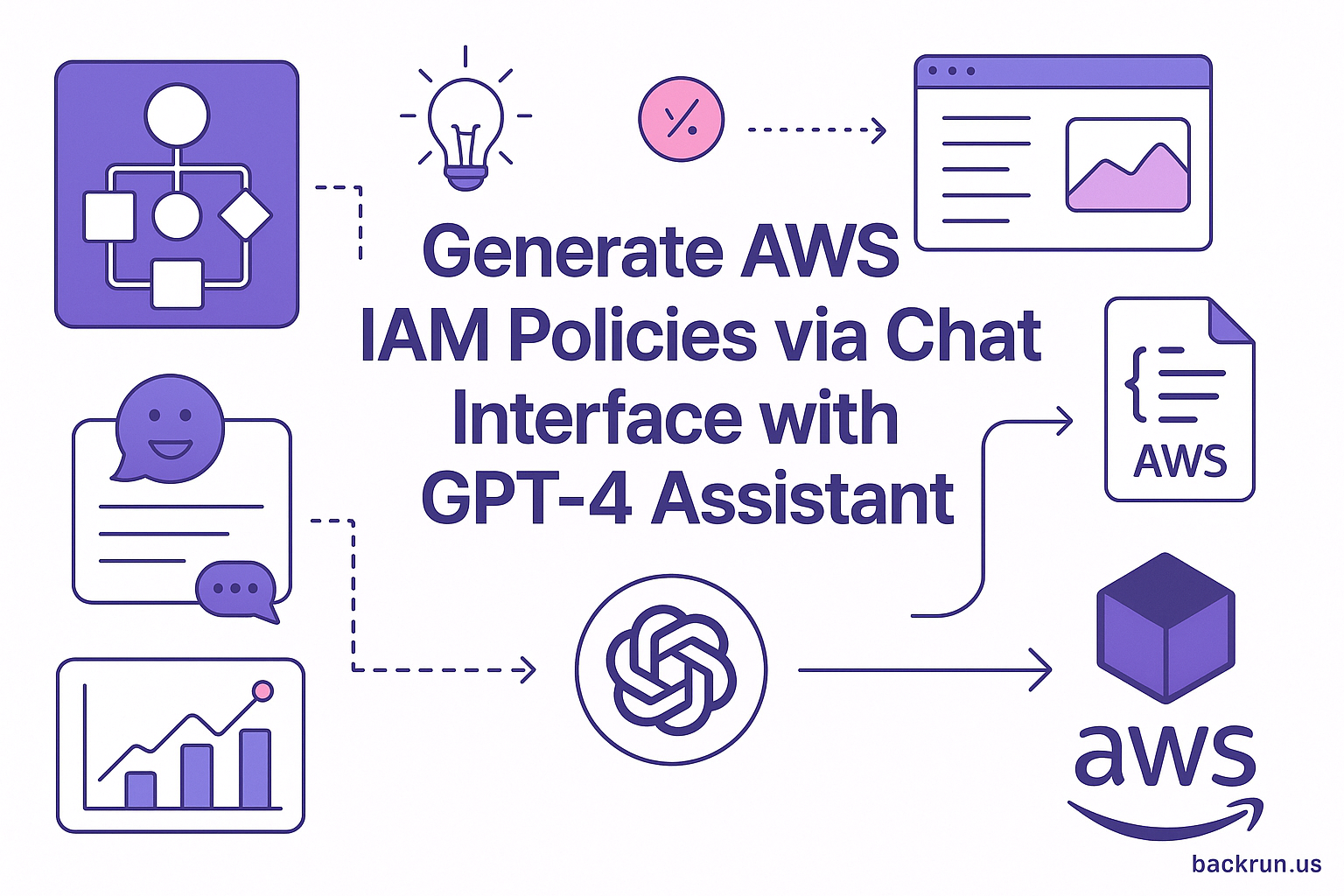
For IT Support and Security teams, the need for efficient IAM policy creation is crucial. Our system streamlines this process with an automated workflow designed to enhance productivity and maintain security standards. Here’s how it works:
- Trigger: The workflow initiates upon receiving a chat message.
- IAM Policy Creator Agent:
- Interprets user requirements based on service, actions, and region.
- Generates a valid IAM policy JSON while adhering to AWS best practices.
- IAM Policy HTTP Request: The generated policy is sent to AWS IAM for policy creation.
- Email Notification: Upon receiving a response from AWS, users are notified via email.
Configurable Workflow Nodes
Our solution is built with flexible nodes that can be tailored to your specific needs:
- Chat Trigger Node: Configure to connect to your preferred chat service.
- IAM Policy Creator Agent:
- Incorporate the OpenAI Chat Model as the LLM.
- Use a system prompt to ensure compliance with AWS IAM JSON best practices (least privilege principle).
- Connect Memory (Simple Memory) and Structured Output Parser to streamline data handling.
- IAM Policy HTTP Request:
- Method: POST
- URL: https://iam.amazonaws.com/
- Authentication: Use AWS Signature v4 (Access Key + Secret Key).
- Body:
- Action=CreatePolicy
- PolicyName={{
- PolicyDocument={{ $json.policyDocument }}
- Version=2010-05-08
- Email for Tracking:
– Ensure your n8n instance is self-hosted or cloud-based.
– Use an AWS IAM user/role with permission toiam:CreatePolicy.
– Input AWS Access Key + Secret Key for SigV4 signing in HTTP requests.
– Provide your OpenAI API key for the Chat Model.
– Include email server credentials (SMTP or provider integration).
Enhanced Flexibility and Control
Customization doesn’t stop at just creating policies. You can also enhance the workflow with:
- Restrict Services/Actions: Tailor the IAM Policy Creator Agent’s prompts to ensure only necessary permissions are granted.
- Notification Channels: Replace email notifications with Slack, MS Teams, or more.
- Tagging Policies: Modify HTTP requests to include relevant tags when creating policies.
- Human-readable Timestamps: Add a Function or Set node to convert CreateDate.
- Approval Step: Insert a manual approval node before policy submission for added security.
With Backrun’s AI-powered automation tools, managing IAM policies becomes easier than ever. Our solutions help businesses like yours shift from technical chores to strategic initiatives. Discover more about our offerings at AI Services or explore our Chatbot Solutions.
Ready to transform your IAM policy management? Visit us at Backrun or reach out via email at hello@backrun.us.
“`