

Automated GA4 Performance Reporting with AI
Backrun helps businesses automate their backend — from lead generation to support, integrations, and operations — so you can focus on growth, not grunt work. Our AI-powered automation solutions streamline workflows and provide valuable insights, saving you time and resources. Learn more about our AI services.
Introduction
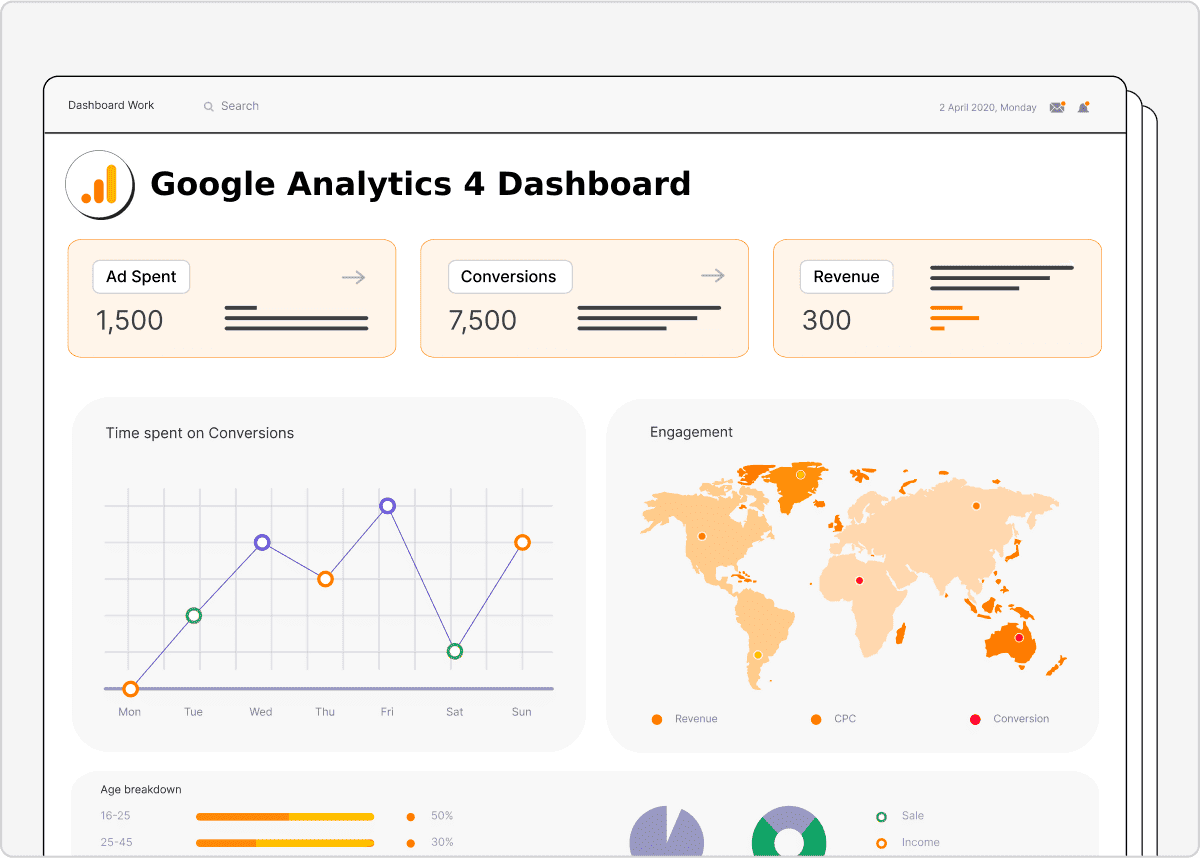
Gain instant, actionable insights into your GA4 (Google Analytics 4) performance with our automated reporting solution. This powerful system eliminates manual data collection and analysis, delivering clear, concise reports directly to your inbox. This solution is designed to help marketers and business owners track key metrics and understand trends with ease.
How It Works
Our automated reporting process is built around a few key components. It leverages the power of GA4 data and artificial intelligence to provide a comprehensive overview of your website’s performance. Here’s a breakdown:
- Data Collection: The system utilizes a form trigger to collect your GA4 Property ID (“Account ID”) and a Key Event.
- Data Retrieval: It pulls overall metrics (sessions) for the current period and the previous period using the GA4 Data API.
- Event Tracking: A separate API call fetches the key-event submissions for the current and previous periods.
- Date Normalization: Code within the system normalizes form dates to ensure accurate API requests.
- AI-Powered Analysis: An AI agent analyzes the data to calculate percentage deltas between periods.
- Visual Representation: Positive deltas are highlighted in green (#10B981), while negative deltas are shown in red.
- Report Generation: The system builds a valid HTML email containing a summary of the performance and key recommendations.
- Delivery: The formatted HTML report is sent via Gmail to the specified email address.
This process seamlessly automates your reporting, freeing up your time to focus on strategic initiatives. For more comprehensive marketing automation solutions, explore our marketing automation services.
Setup Instructions
Setting up the automated reporting is straightforward. Follow these steps:
- Add Credentials: You’ll need to add OAuth2 credentials for Google Analytics, OpenAI (Chat), and Gmail. Follow the instructions provided in the dashboard. Explore our automation solutions for more details on integrating your tools.
- Ensure Field Matching: Verify that the form fields in the system match your GA4 property and event names. Specifically, make sure the “Account ID” field maps to your GA4 Property ID.
- Publish & Test: Publish the form URL and run a test submission to ensure everything is configured correctly.
Requirements
- A Google Analytics 4 property with events being tracked.
- An OpenAI API key.
- A Gmail account with API access enabled.
- Basic understanding of GA4 and data analysis concepts.
Resources
Here are some useful resources to further your knowledge:
Our AI agent is designed to adapt to your specific needs and provide customized insights. If you’re looking for more advanced AI-powered solutions, check out our AI services. We can help you unlock the full potential of your data. For more information about how we can streamline your business operations, visit our operations services.
Ready to automate your GA4 reporting? Contact us or email us at hello@backrun.us.